

AI in pro AV installation can support design, setup, and troubleshooting, but its role depends on the tool and equipment. Generative AI can help draft documentation, while some camera systems use machine learning for presenter tracking. Conventional automation also handles many useful tasks; automatic mixing, echo cancellation, and remote monitoring are not necessarily AI. Qualified people still install the system, verify its performance, and approve the handoff.
Software assistance does not replace cable installation, safe mounting, or end-to-end commissioning. This article explains where AI and related automation can help, what technicians still need to verify, and how to evaluate tools without assuming they save time or eliminate risk.
For customers hiring Pro AV resources, the practical question is whether the team can use the selected tools correctly and deliver a system that meets the agreed requirements.
Why AI in pro AV installation matters
AI in pro AV installation matters when it helps a team complete a defined task accurately. Product features and project workflows vary, so identify what the tool actually does before building it into the scope or schedule.
It can support repeatable desk work
Drawings, parts lists, configuration notes, and closeout documents involve repeatable work. AI may help organize requirements or produce a first draft, but generated technical content needs review. Count the time spent checking and correcting it when assessing any saving.
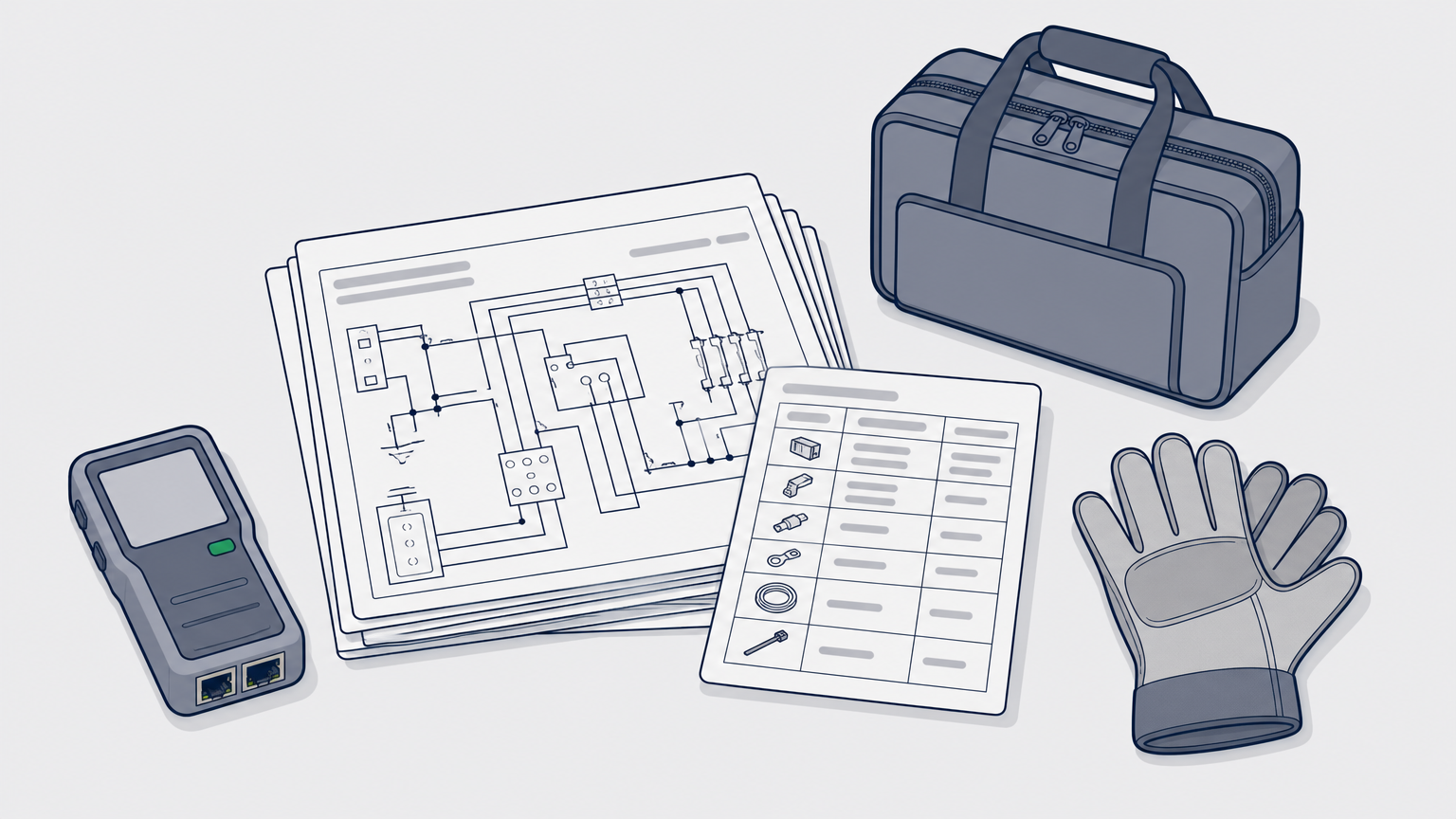
For similar-room rollouts, approved templates and reusable configurations can be useful with or without AI. Test a workflow on representative rooms before assuming its benefits will carry across a whole program.
It is already inside the gear you install
Some manufacturers offer specific AI capabilities. For example, Q-SYS Seervision provides AI-driven presenter tracking with compatible NC Series cameras. Other features, such as automatic mixing, echo cancellation, and cloud status alerts, may use conventional signal processing or rules. Check the actual feature rather than treating all automation as AI.
This adds to what a technician needs to know on site. A tracking camera still needs suitable placement, coverage, and configuration. Microphones and digital signal processors (DSPs) still need appropriate gain structure and acoustic conditions.
Where the benefit is real and where it is hype
Repeatable tasks are useful starting points for evaluation, but room type alone does not determine value. A standard room can still produce errors, and a complex room may benefit from a narrowly scoped tool. Ask what must be verified and what a wrong answer would cost.
Measure the complete workflow, including review and rework, before claiming a time saving.
How to use AI across an AV project
Apply AI to a defined task and have a qualified person review the output before using it in a design, quotation, or live system. Review reduces risk; it does not remove it.
Design and proposals: AI drafts, you verify
Treat generated diagrams, signal-flow descriptions, and bills of materials (BOMs) as working drafts only. Capabilities vary by tool, and a plausible-looking list can contain discontinued models, incompatible interfaces, or missing components. Do not treat generated drawings as approved installation documents.
Check every draft against these points before it goes out:
- Part numbers and current availability against manufacturer data
- Compatibility of controllers, DSPs, and endpoints
- Cable types and run lengths against the real site conditions
- Power, rack space, and mounting requirements
Setup and commissioning: automation assists, you confirm
Commissioning can benefit from supported setup automation. For example, Biamp Launch discovers, configures, and tunes compatible connected Biamp equipment and produces a performance report. That is a product-specific capability, not a promise that every DSP or room configures itself. Camera tracking zones and exclusions still require the appropriate setup and checks.
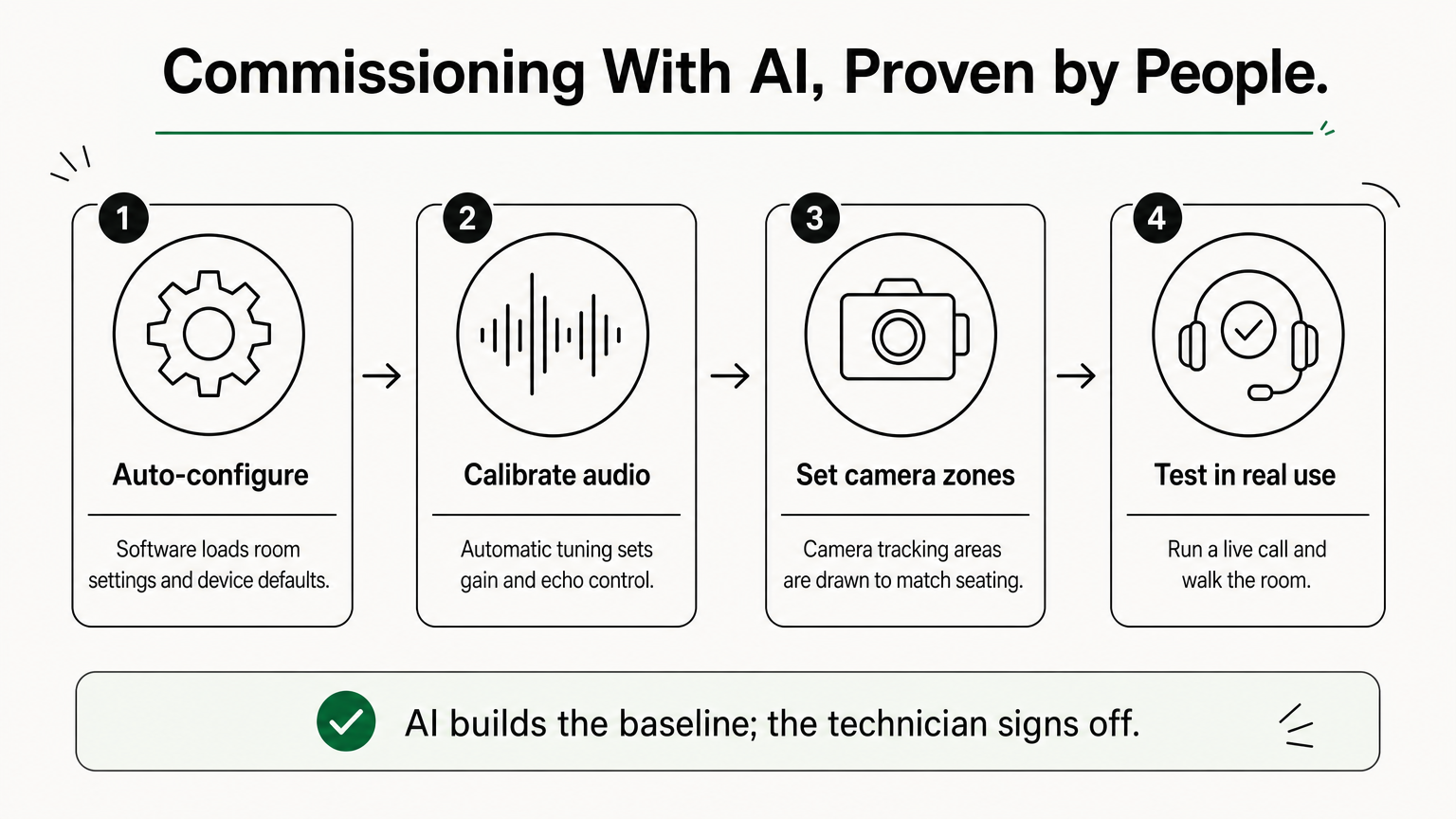
This graphic summarizes an assisted workflow, not a universal AI feature set. Configuration, tuning, and camera-zone setup depend on the product and may use conventional automation or manual input. Final testing remains a technician responsibility.
Run a real call with local and remote participants. Check intelligibility, echo, coverage, and camera behavior under representative occupancy, lighting, and HVAC conditions. Follow the calibration procedure first, then verify normal use, including speaker movement and transitions. Keep the results with the project records.
Diagnostics and closeout documentation
Remote monitoring and AI-assisted analysis are different functions. Q-SYS Reflect alerts, for example, can report an offline system or component fault. An alert is not proof that AI predicted a failure or identified its cause. Use approved diagnostics to decide whether a fault can be resolved remotely or needs an on-site visit.
An approved AI tool can help draft notes from authorized project records. Verify configuration details and as-built summaries against the installed system, and document unresolved issues. Do not include credentials or confidential client data in an unapproved tool.
Who does what in each phase
| Phase | Possible software assistance | What the technician still does |
|---|---|---|
| Design | Drafts documentation or design inputs, subject to review | Verifies compatibility and site conditions |
| Installation | Organizes plans and checklists | Mounts, cables, terminates, labels |
| Commissioning | Supported device setup, tuning, or tracking features | Tests in real use and corrects what the software missed |
| Support | Reports supported status alerts or helps organize diagnostics | Repairs hardware and finds root causes |
| Closeout | Drafts configuration notes | Confirms accuracy and hands off to the client |
Use AI to produce the draft, and use a technician to prove it works in the room.
What AI means for installers’ jobs
AI in pro AV installation may change the mix of tasks, but its effect on staffing depends on adoption, project demand, and the work involved. Avoid assuming a tool will replace a role or create a guaranteed increase in demand.
Tasks that may change
Tasks worth evaluating for assisted workflows include:
- First-draft drawings and parts lists
- Supported device setup and tuning
- Configuration notes and routine documentation
- Summarizing logs for a technician to investigate
Do not set an arbitrary percentage of work for AI to handle. Choose tasks based on accuracy, review effort, and the consequences of an error.
Work that still needs skilled people
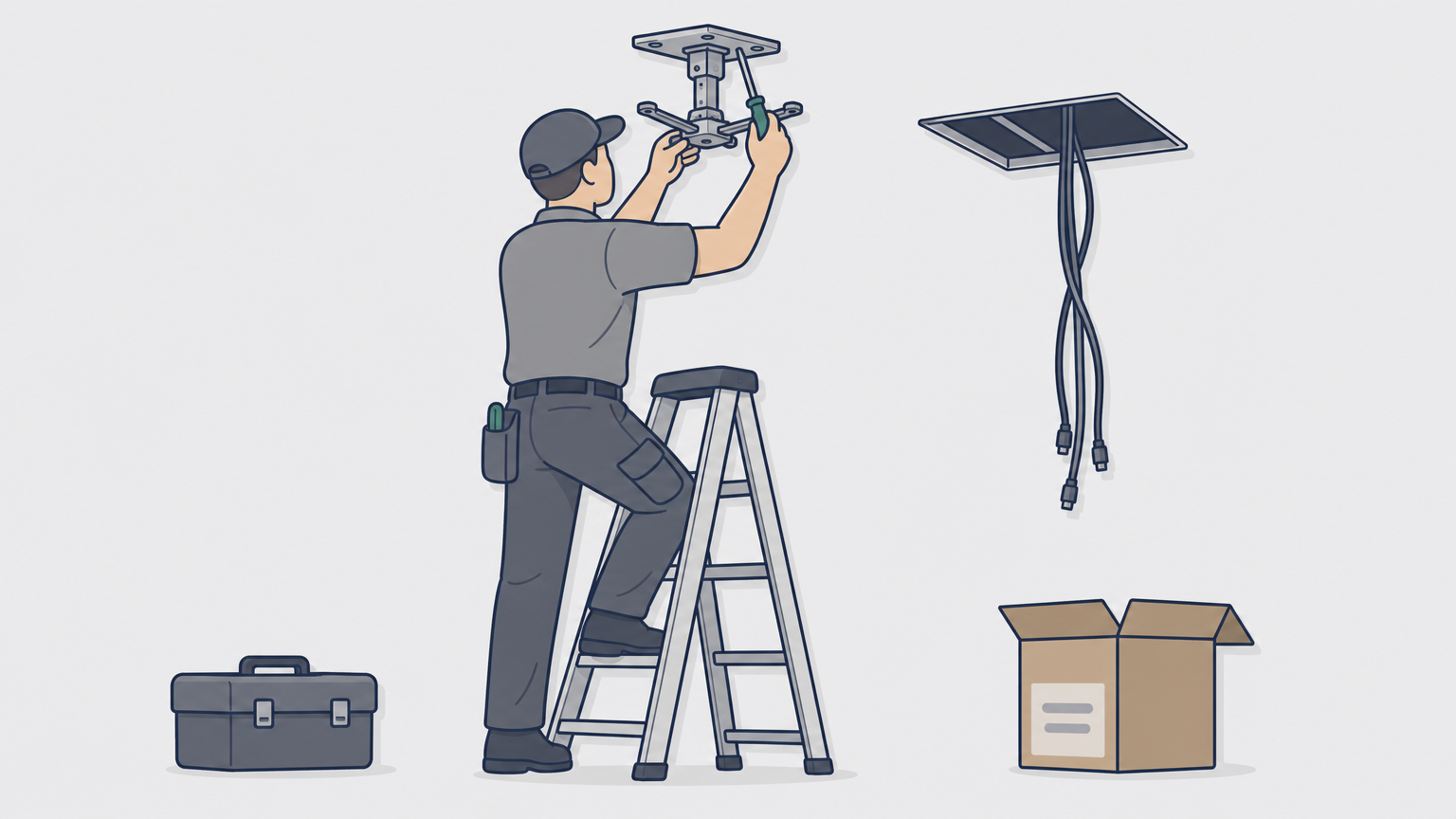
The software tools discussed here do not mount projectors, pull cable, or terminate connectors. Technicians also investigate physical conditions, diagnose faults, and explain findings to the client. These responsibilities require practical competence even when software assists with analysis.
Credentials such as CTS and relevant manufacturer training can support a technician’s qualifications. Check the exact credential and relevant experience; a badge alone does not guarantee that someone will catch an automated tool’s mistakes.
How to adopt AI with clear safeguards
Start with one bounded task, define review and acceptance criteria, and train the team before relying on the tool. Keep a documented fallback if the output is wrong or the service is unavailable.
A short adoption checklist
- Pick one repeatable task, such as BOM drafting or camera zone setup.
- Define who reviews the output and what they check.
- Run it on a low-risk project first and compare results with your usual method.
- Record the errors the tool makes, and brief technicians on them.
- Expand only when results meet the agreed accuracy, security, and acceptance criteria.
Cost and security questions to settle early
Ask each vendor what is included, what needs a separate license, and which hardware is supported. Confirm pricing, support, data retention, and any recurring charges before quoting the client.
Coordinate with the client’s IT and security teams before enabling connected features. Confirm what is captured, whether processing is local or cloud-based, where data is stored, and who can access it. Agree on recording and privacy rules. Do not upload client drawings, recordings, network details, or credentials to an unapproved AI service.
What to do next
Use AI and automation where their capabilities match the task. Verify technical outputs, test the installed system, and keep a named person responsible for acceptance and handoff. The goal is a reliable customer experience, not the largest possible amount of automation.
If you need additional Pro AV resources, book a MegaTech™ for your next Pro AV project to discuss scope, required qualifications, and availability. Confirm timing and service terms for the assignment.
Mega Has The Staffing Solutions You Need For Your Next Pro AV Project.
Let MegaServices help you grow your business by providing you with the qualified personnel you need when you need them.
