

The best Zoom Room hardware is the setup that fits your room, meeting habits, and support budget. Start with the table layout, camera sightlines, and microphone coverage, then compare complete systems rather than a video bar’s price alone.
This is an unranked shortlist of eight options, not a hands-on test or a claim that one brand outperforms another. The room categories below follow Zoom’s recommended hardware page, checked in October 2026. They are starting points for evaluation, not guaranteed coverage limits.
How to match Zoom Room hardware to your room
Start with room size and layout
Measure the room and note the nearest, farthest, and widest seating positions. A long table, side seating, reflective surfaces, and background noise deserve attention even when the headcount looks modest. Use the manufacturer’s guidance for the exact model, then test it in the intended layout.
| Room category | Options to compare | What to verify |
|---|---|---|
| Huddle or small | Yealink MeetingBar A20; Jabra PanaCast 40 Video Bar System | People seated close to the camera or at the table edges |
| Small to midsize | Logitech Rally Bar Mini | Camera coverage and audio at the farthest seat |
| Midsize | Poly Studio X52 | Framing in your layout and compatible audio accessories |
| Medium to large | Neat Bar Pro; Logitech Rally Bar | Display needs, microphone coverage, and accessory costs |
| Large | Poly Studio X72; Logitech Rally Plus with RoomMate | All-in-one versus modular placement and cable routes |
Do not use a fixed seat count as a microphone limit. If testing shows weak pickup, evaluate compatible table or ceiling microphone options with your installer. A microphone is not automatically compatible just because its connector fits.
Appliance, modular system, or USB kit
An appliance runs Zoom Rooms on the room device. A modular system separates components so their placement can be planned individually. A USB camera or speakerphone can serve a guest laptop or a dedicated room computer; USB does not automatically mean a bring-your-own-laptop setup.
Zoom’s setup guide supports appliance and computer-based rooms with peripherals and a compatible controller. Scheduled meeting access depends on the room’s software, controller, and calendar configuration, not simply whether its camera uses USB.
Controllers, certification, and licensing
A touch controller alone does not turn a video bar into a Zoom Room. Confirm the supported compute or appliance, controller model, software versions, and Zoom Rooms licensing. Ask what is included in the quoted bundle and what must be purchased separately.
Check current certification and support information for the exact configuration before ordering. Our Zoom Room certified hardware guide and Zoom Room requirements overview provide additional planning context; use Zoom and manufacturer documentation for current compatibility.
Budget the install, not only the device
Request an itemized quote covering the room system, controller, displays, mounts, cabling, network and power work, licensing, installation, and support. Include any optional microphones or cameras in the same comparison. A lower bar price does not necessarily mean a lower installed cost.
Agree on acceptance tests before installation: joining a meeting, sharing content, checking camera views, and listening from the remote participant’s end. Discuss the project scope through MegaServices’ video teleconferencing services and system commissioning services.
Yealink MeetingBar A20
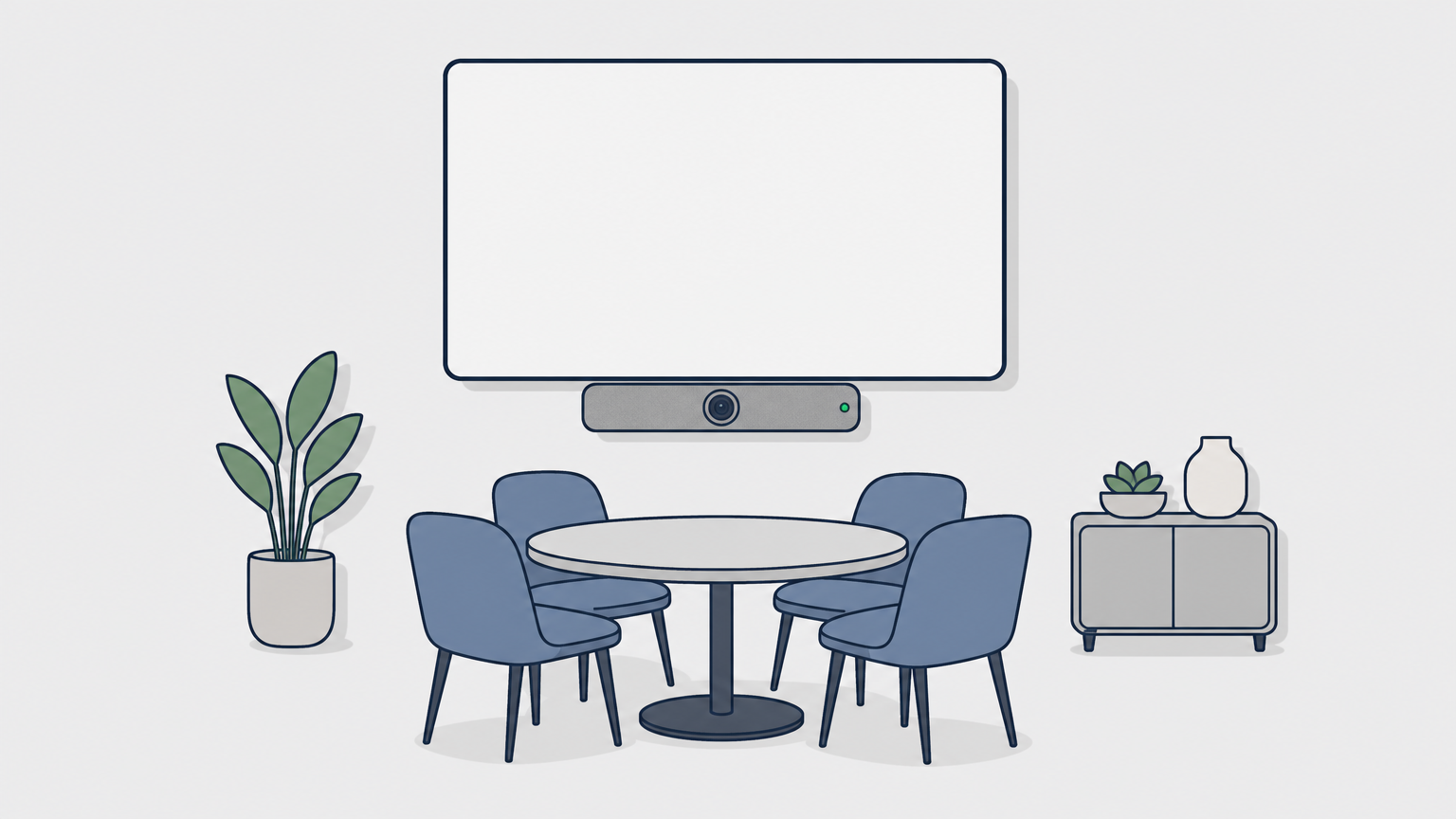
Illustrative room layout, not a product photograph.
What to evaluate
For the A20, ask for a demonstration with people at the table edges and close to the display. Confirm which camera modes are available in the proposed Zoom Rooms configuration rather than assuming features from other MeetingBar models carry over.
Before you order
Verify current availability, software support, the controller bundle, and the seller’s support terms. Compare the complete quote against other small-room systems without assuming this is the cheapest option.
Jabra PanaCast 40 Video Bar System
What to evaluate
Include the PanaCast 40 in a small-room demonstration using your actual seating positions. Check the current Jabra specifications for camera field of view and microphone coverage, especially when people sit along a narrow table.
Before you order
Confirm the exact system and controller package. If the room may be rearranged later, ask the supplier to evaluate that future layout too; a room category alone cannot establish whether everyone will remain visible and audible.
Logitech Rally Bar Mini
What to evaluate
Compare the Mini’s coverage in your intended layout with the controller and accessories shown on the quote. If you need a tabletop camera, Logitech lists Sight as compatible with Rally Bar Mini running CollabOS, with capabilities varying by meeting platform.
Before you order
Review Logitech’s Sight compatibility guidance before adding it. Confirm the required software, power, and cabling rather than treating Sight as a universal USB camera.
Poly Studio X52
What to evaluate
Test the X52 from the farthest seat and any side seating. Ask for the specific framing modes you need to be demonstrated in Zoom Rooms, using the software version proposed for deployment.
Before you order
Get model-specific coverage and accessory guidance from HP Poly. Do not substitute dimensions or reliability reports from another Studio X model, and confirm the controller and any expansion microphones in the final parts list.
Neat Bar Pro
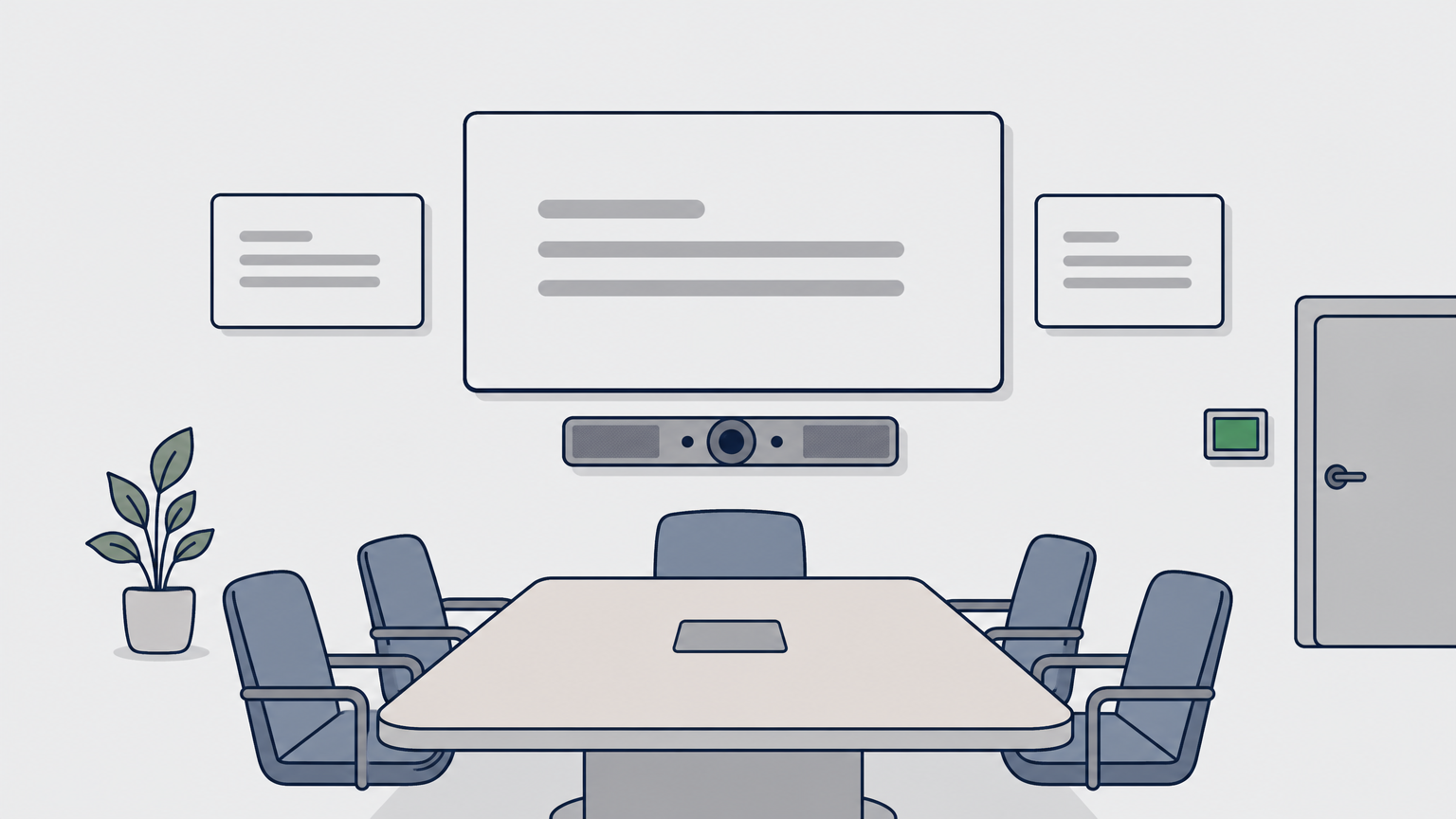
Illustrative multi-display layout, not a wiring diagram.
What to evaluate
Zoom lists support for up to three monitors. Decide what participants need to see before choosing a Zoom Room display layout, and confirm how the proposed configuration handles content and remote participants across those screens.
Before you order
Itemize the controller, displays, mounts, and cable runs. If guest-laptop use matters, have the supplier demonstrate the exact connection sequence; do not assume one cable carries every signal in every installation.
Logitech Rally Bar
What to evaluate
Use the room survey to compare Rally Bar with smaller bars or a modular design. Test framing and audio with a remote participant rather than judging the system only from the conference-room display.
Before you order
As with the Mini, Sight support depends on the documented CollabOS and platform configuration. Compare the total accessory and installation cost, and identify who will manage updates and support after handover.
Poly Studio X72
What to evaluate
For the X72, test the back row, wide seating positions, and any presenter area. Ask whether the proposed configuration covers those positions without additional equipment; a large-room designation is not a promise that one bar handles every layout.
Before you order
Confirm the supported controller and audio expansion options for the exact system. If the demonstration leaves gaps, compare a revised design rather than assuming a larger model or extra microphone will automatically solve them.
Logitech Rally Plus with RoomMate
What to evaluate
This is the modular option in the shortlist. Review a placement drawing and the full parts list with the installer, including the RoomMate compute unit and compatible controller. Plan cable paths and service access before mounting equipment.
Before you order
Do not specify Sight as a supported Rally Plus accessory. Logitech’s Sight FAQ states that Rally Plus integration is not currently supported. Verify all camera and microphone combinations for the proposed build instead of assuming accessories work across the Rally family.
Pick the room first, then the device
Use this shortlist to narrow a demonstration, not to skip one. Compare complete quotes, confirm current support, and test the seats and meeting tasks that matter in your room. Keep the agreed parts list and acceptance checks with the installation documentation.
Ready to discuss installation and commissioning? Book a MegaTech™ for your next project.
Mega Has The Staffing Solutions You Need For Your Next Pro AV Project.
Let MegaServices help you grow your business by providing you with the qualified personnel you need when you need them.
