

Which future pro AV trends belong in your next project? For a campus that shares video between rooms, start with network capacity. For a company supporting meeting rooms across several offices, start with what the help desk can diagnose remotely. These five shifts each change a decision you can make before installation.
1. AV over IP and interoperability
What is changing
AV over IP lets you route audio and video over an Ethernet network. That can be useful when several rooms need the same source or when a client expects to add destinations later. Check that the proposed encoders and decoders support the same formats and features.
What it means on site
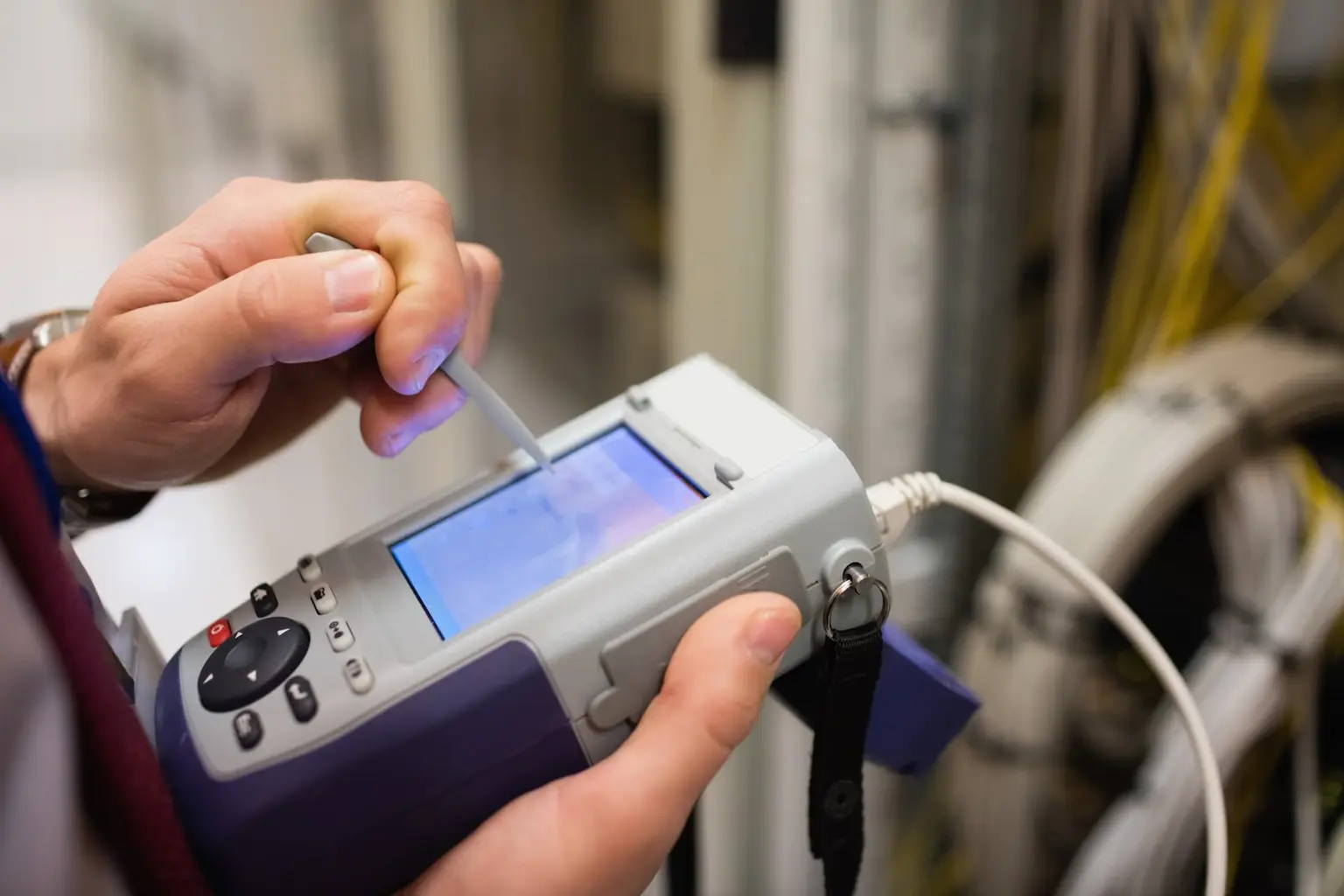
A single stream can look fine in an empty room even when the network lacks capacity for a busy day. Work with IT to trace which streams share each uplink. During commissioning, route the expected mix of sources at the same time and check the picture, sound, and lip sync at the displays.
How to prepare
- Confirm the switches have the bandwidth and multicast support your chosen endpoints require. Use the manufacturer’s network design guide when sizing uplinks.
- Test and label every cable run. Include patch-panel and switch-port identifiers in the structured cabling scope.
- Test a representative source, encoder, decoder, and display together before ordering for every room.
2. AI-assisted room support
What is changing
One use of AI in AV is sorting room incidents and suggesting what to investigate. For example, Microsoft Teams Rooms Pro Management distinguishes a detected issue that needs attention from a warning that can help you plan maintenance.

What it means on site
An offline camera alert tells the help desk where to look. The cause could be a disconnected cable, a room PC that lost its connection, or a fault in the camera itself. Check what users experience and which devices are still reachable before ordering a replacement.
How to prepare
- Give each room and device a name that a technician can match to a physical label.
- During system commissioning, record the working configuration and test what happens when a peripheral disconnects.
- Assign someone to review the alert, verify the symptom, and decide whether the room needs a visit.
3. Cloud management and remote monitoring
What is changing
A cloud dashboard can show device health across offices and help support teams manage updates on supported equipment. Check which devices, licenses, and functions the platform covers before building a service plan around it.
What it means on site
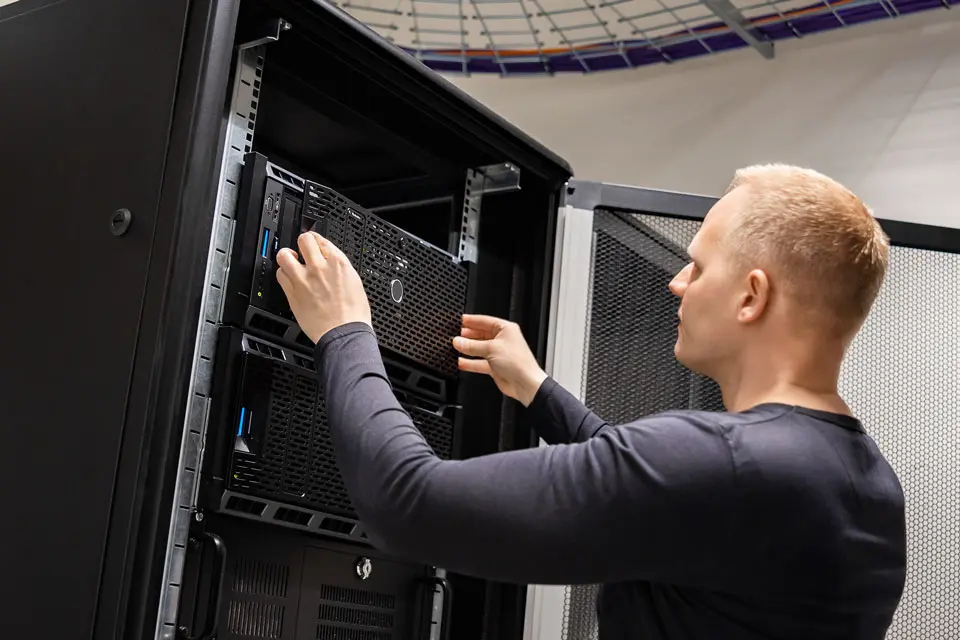
A support team may be able to restore a setting remotely. A damaged connector still needs someone in the room. For a multi-site rollout, give the field technician the room ID, the affected equipment, and the checks already completed. If you use an AV service contract, confirm coverage and response terms for each location.
How to prepare
- Keep an inventory of supported devices and flag equipment the dashboard cannot see.
- Test updates in a representative room before rolling them out to other sites.
- Document who has remote access and who coordinates a visit when an issue needs hands-on work.
4. Security built in from day one
What is changing
Networked displays, microphones, and control processors have to meet the client’s access policies. Ask IT which devices can connect, what traffic can pass between network segments, and who may manage the equipment remotely.
What it means on site
If a switch port requires 802.1X authentication, plugging in a working device may still leave it without network access. Confirm that the exact model supports IT’s authentication method and that the required credentials or certificates will be available for commissioning.
How to prepare
- Test a representative device on a port configured with the client’s policy.
- Agree on an approved alternative with IT if a device cannot meet the requirement.
- Replace default credentials and use the client’s approved process to hand over access.
- Assign responsibility for firmware updates and certificate renewal.
5. Immersive displays and LED video walls
What is changing
A lobby video wall and a boardroom display may occupy the same wall space but serve different purposes. A visitor might see a lobby message from across the floor. Someone in the front row of a boardroom may need to read small labels on a drawing. Use the actual content and viewing distances to choose the display.
What it means on site
On a tiled LED wall, uneven brightness or color can make adjacent sections stand out. Leave time to align and calibrate the wall, then review the client’s content from the nearest and farthest intended viewing positions.
How to prepare
- Ask who will produce, approve, and update the content.
- Confirm structural support, power, cable routes, and access for module replacement.
- Schedule technicians who have mounted and tuned video walls and reserve time for a client walkthrough.
Where to start with these trends
Choose one acceptance test for the next project: route the busiest combination of AV streams, verify that a disconnected camera generates a useful ticket, or show the client’s drawings on a sample display. Agree on the expected result and who will sign off before the equipment arrives.
For field support on an installation, refresh, or rollout, book a MegaTech™ with the site locations, scope, and target dates.
Mega Has The Staffing Solutions You Need For Your Next Pro AV Project.
Let MegaServices help you grow your business by providing you with the qualified personnel you need when you need them.
