

Pro AV technician skills combine signal flow, audio and video setup, networking, control systems, cabling, troubleshooting, and clear communication. Technicians apply these skills to install, configure, operate, and support professional audiovisual systems. The depth required varies by role; not every installer is also a programmer or designer.
Mega Services provides Pro AV staffing and project resources. For customers hiring technicians, practical demonstrations, relevant experience, and clear documentation help establish whether someone fits the work.
This guide outlines the technical and interpersonal skills to develop and how relevant credentials support them.
Why pro AV technician skills matter
Reliable AV supports meetings, teaching, and events. A technician needs to identify faults, explain their impact, and coordinate a fix without overlooking safety, access rules, or the agreed scope.
What counts as an AV skill
An AV skill is any ability you use to install, configure, operate, or repair audiovisual systems, plus the habits that keep a job on schedule. Hard skills cover audio, video, networking, control, and cabling. Soft skills cover communication, punctuality, and documentation.
Professional AV often combines equipment from several manufacturers with an organization’s network. Work with the IT team on addressing, access, and network changes instead of changing a production network without approval.
Is AV tech a good career
AV can suit people who enjoy hands-on problem-solving and varied environments. Entry routes include training, supervised work experience, and relevant certificate or degree programs. An AV technician career path may lead toward programming, design, or project management as experience grows.
Depending on the role, work may involve travel, evening or weekend shifts, ladders, and moving equipment. Ask about these requirements, training, and safe lifting practices before accepting an assignment.
Build competence through supervised practice before taking responsibility for unfamiliar work.
Technical skills every pro AV technician needs
The technical core of pro AV is understanding how signals move through a system and how to configure each device along the path. Everything else, from programming to troubleshooting, builds on that.
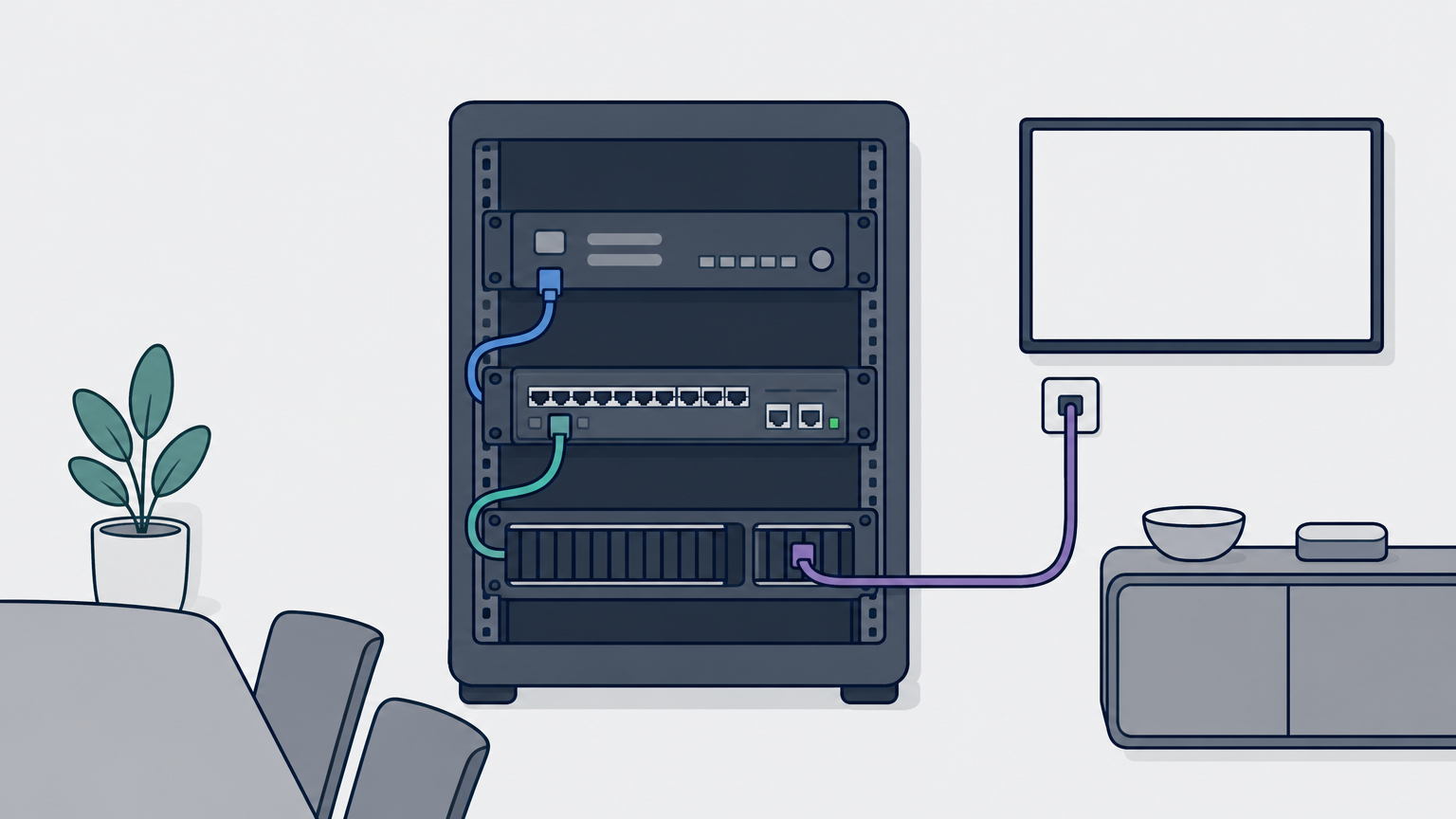
The core technical skill set
The table below shows each skill area and what it looks like on a real job.
| Skill area | What it looks like on the job |
|---|---|
| Signal flow | Tracing audio and video from source to endpoint to find the fault |
| Audio | Gain structure, microphone placement, DSP setup, feedback and echo control |
| Video | Display calibration, scaling, matching resolutions, solving HDMI handshake and HDCP problems |
| Networking | IP addressing, DHCP, VLANs, PoE switches, AV over IP |
| Control systems | Configuring touch panels and programming platforms such as Crestron |
| Cabling | Pulling, terminating, labeling, and testing low-voltage runs |
| Collaboration platforms | Building and supporting Zoom Rooms and Microsoft Teams Rooms |
Which skill to learn first
Start with signal flow, then networking. Trace the path from source to destination to isolate faults. Learn IP addressing, DHCP, VLANs, and power over Ethernet (PoE), then apply them within the site’s approved network design.
Specialize as your work requires. Digital signal processing (DSP), control programming, cabling, and commissioning each need practice with the actual tools and platforms. Know when a problem requires a specialist.
A signal diagram and a structured test plan are more useful than swapping parts at random.
Soft skills that keep clients calling back
Punctuality, clear updates, and organized handoffs support customer confidence. They complement technical ability rather than guaranteeing repeat bookings.
Communication and punctuality
Showing up on time and communicating proactively are the baseline. Tell the site contact when you arrive, when you hit a problem, and when you expect to finish. Explain faults in plain language. A facilities manager needs to hear "the display lost its signal because the cable run is damaged," not a list of part numbers.
Troubleshooting under pressure
Good troubleshooting is calm and methodical. Isolate one variable at a time, confirm the fix, and tell the client what you changed. Pro AV problems often surface minutes before an event, so staying steady is a skill you practice, not a personality trait.
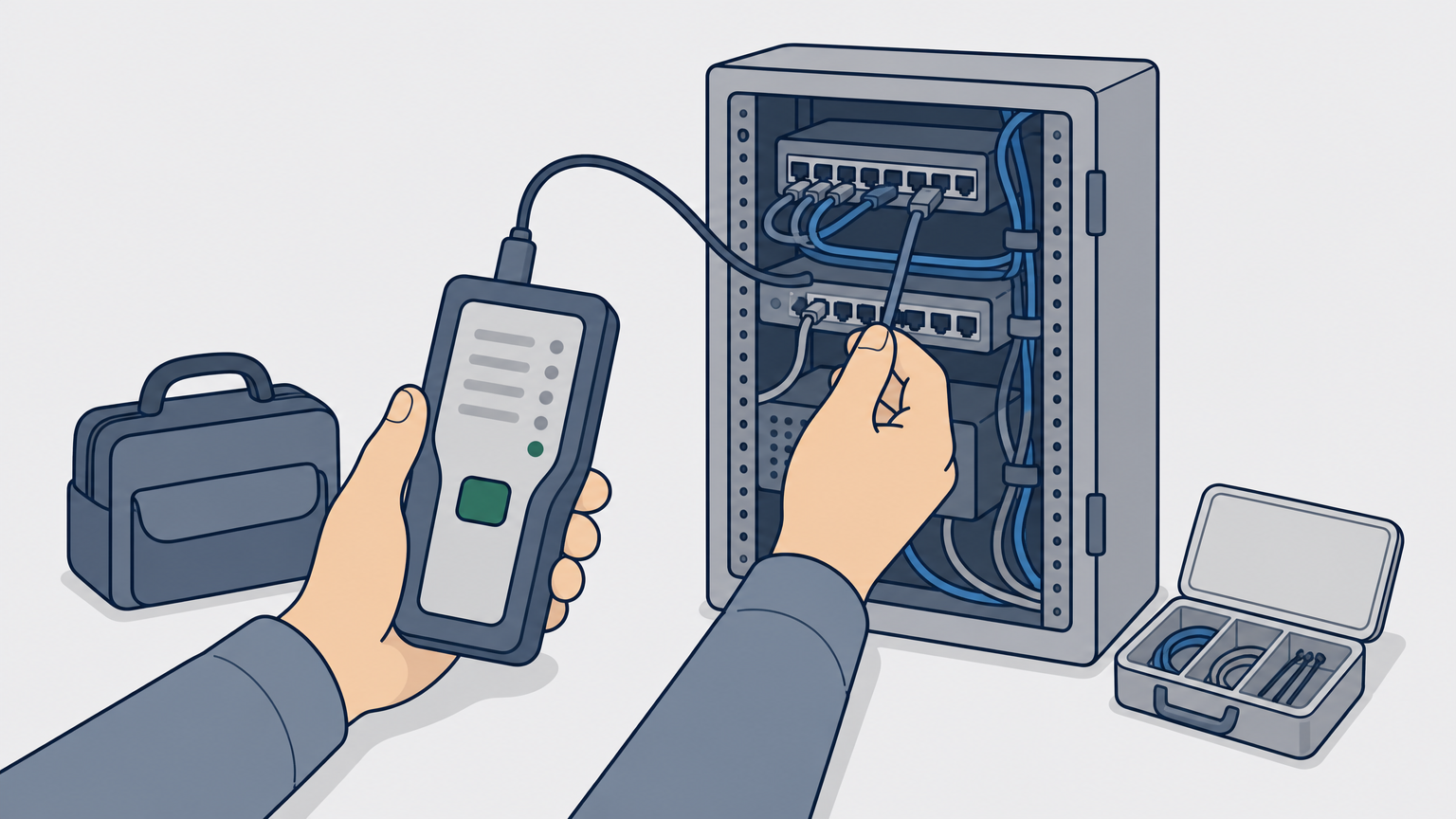
Documentation and clean closeouts
Finish the job with the agreed documentation: labeled cables, photos where permitted, as-built notes, configuration backups, test results, and work-order details. A clean closeout helps the client support the system and understand any unresolved issues. Do not put credentials or confidential site information in unsecured notes.
A useful handoff tells the next person what changed, what was tested, and what still needs attention.
Qualifications and certifications for AV technicians
Education, hands-on experience, and certification provide different evidence of ability. Requirements vary by employer and assignment; no credential replaces checking relevant work experience.
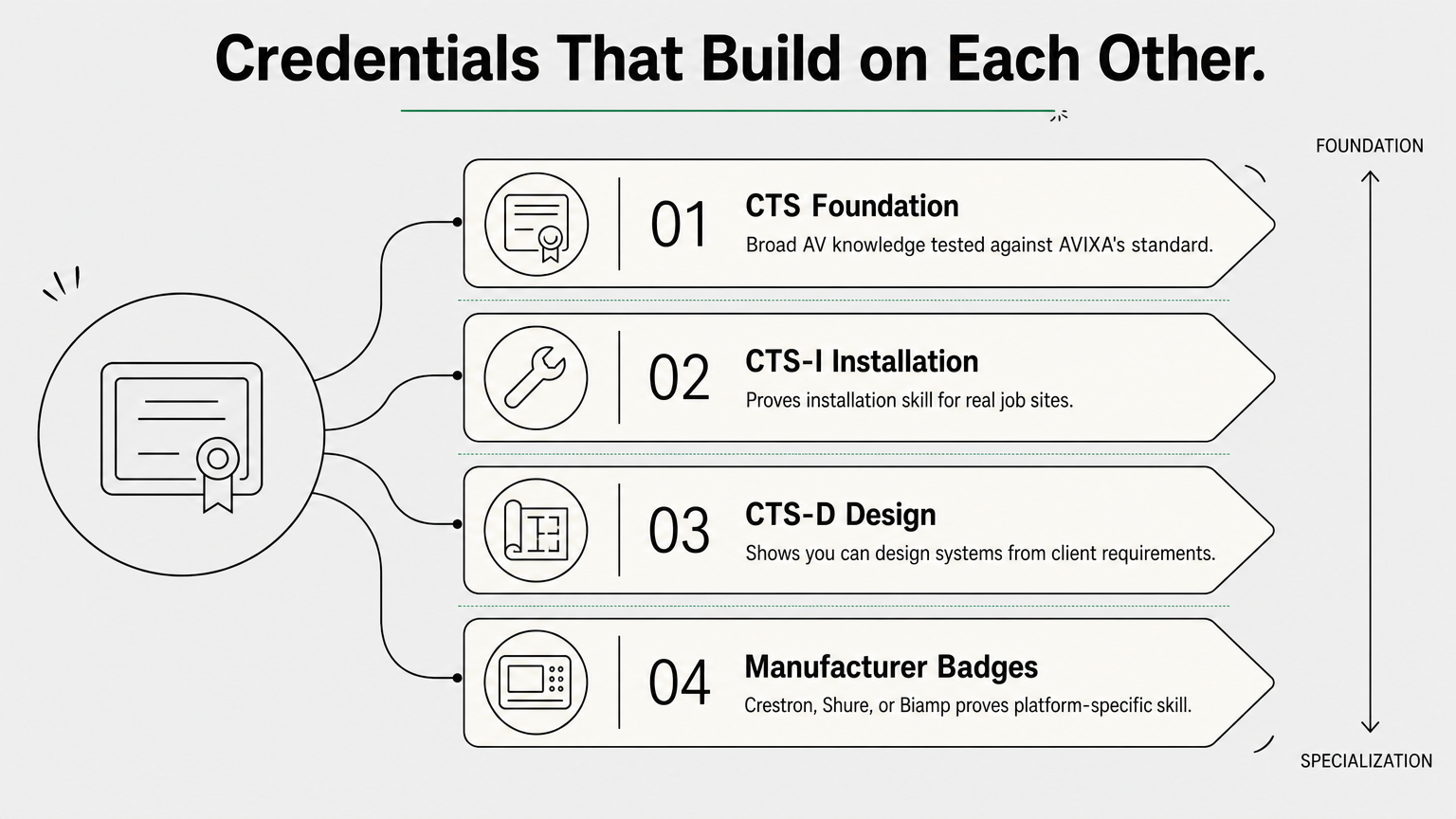
The illustration groups credentials for reference. CTS-I and CTS-D are separate specializations; manufacturer training is not a required next step in a single certification ladder.
Education and entry routes
Check each job posting for education and experience requirements. Relevant certificate or associate-degree programs can support learning, while supervised work with school AV teams, community venues, or installation crews offers practical experience.
Assignments may require driving, ladder use, or equipment handling. Confirm the actual duties and required safety training rather than treating these as universal entry requirements.
Certifications that carry weight
Credentials describe a defined area of assessed knowledge or training. Verify the exact credential, level, and current status. They do not guarantee job performance.
| Credential | What it signals |
|---|---|
| CTS | Broad foundational AV knowledge, offered through AVIXA |
| CTS-I | Installation expertise |
| CTS-D | System design expertise |
| Crestron, Shure, Biamp | Program-specific knowledge or training; scope and assessment vary |
AVIXA requires a valid CTS before the CTS-I or CTS-D exam. These are separate installation and design specializations, not consecutive rungs requiring CTS-I before CTS-D. Learn about the CTS credential, then choose further training for your role. Manufacturer programs have their own requirements; for example, Shure’s Collaboration and Conferencing program has Foundation and Technical Enablement levels.
Choose training for the work you perform, and pair credentials with examples you can explain or demonstrate.
Build the skills, then put them to work
Pro AV technician skills combine technical knowledge with safe working practices, communication, and documentation. Credentials support your qualifications; examples of your work help customers and hiring managers assess fit.
If you hire for Pro AV work, use these skills as a screening checklist and match the technician to the assignment. Book a MegaTech™ for your next ProAV project to discuss scope, required qualifications, and availability. Confirm scheduling before committing to an installation date.
Mega Has The Staffing Solutions You Need For Your Next Pro AV Project.
Let MegaServices help you grow your business by providing you with the qualified personnel you need when you need them.
John Pierce III is the Director of IT at Mega Services, connecting the company’s people, processes, and technology. Drawing on experience in field installation, technician support, recruiting, and dispatching, he develops systems, automations, and reports that make work simpler and more efficient. John specializes in identifying inefficiencies and transforming complex processes into practical, user-friendly solutions.
