

Polycom video conferencing is room-based hardware, meaning cameras, microphones, speakers, and control units, that connects a meeting space to remote participants. Polycom built the original systems, the company was renamed Poly, and HP now owns the brand, so current products appear as HP Poly. Modern units run Zoom, Microsoft Teams, or Google Meet, while older ones use standards-based calling.
This article covers why Polycom hardware matters for meeting rooms, which product lines and models exist, and how the systems work with Zoom and Teams. It also shows how to set up a room and budget for it.
Mega Services has supplied Pro AV technicians across North America since 2007. Installing, setting up, and repairing video teleconferencing systems is part of that work. The advice below comes from that side of the job: what decides whether a room works on day one.
Why Polycom video conferencing matters for meeting rooms
Polycom video conferencing matters because a laptop webcam cannot cover a room, and a room system can. It makes the physical room, not one person’s laptop, the participant on the call.
What a room system does that a laptop cannot
A Polycom system puts the camera, microphones, and speakers in one engineered package sized for the room. Poly’s DirectorAI framing and tracking modes keep the people in the room in view. Its audio processing reduces background noise so conversations stay focused. Remote participants see faces and hear voices instead of a wide shot of a table and an echo.
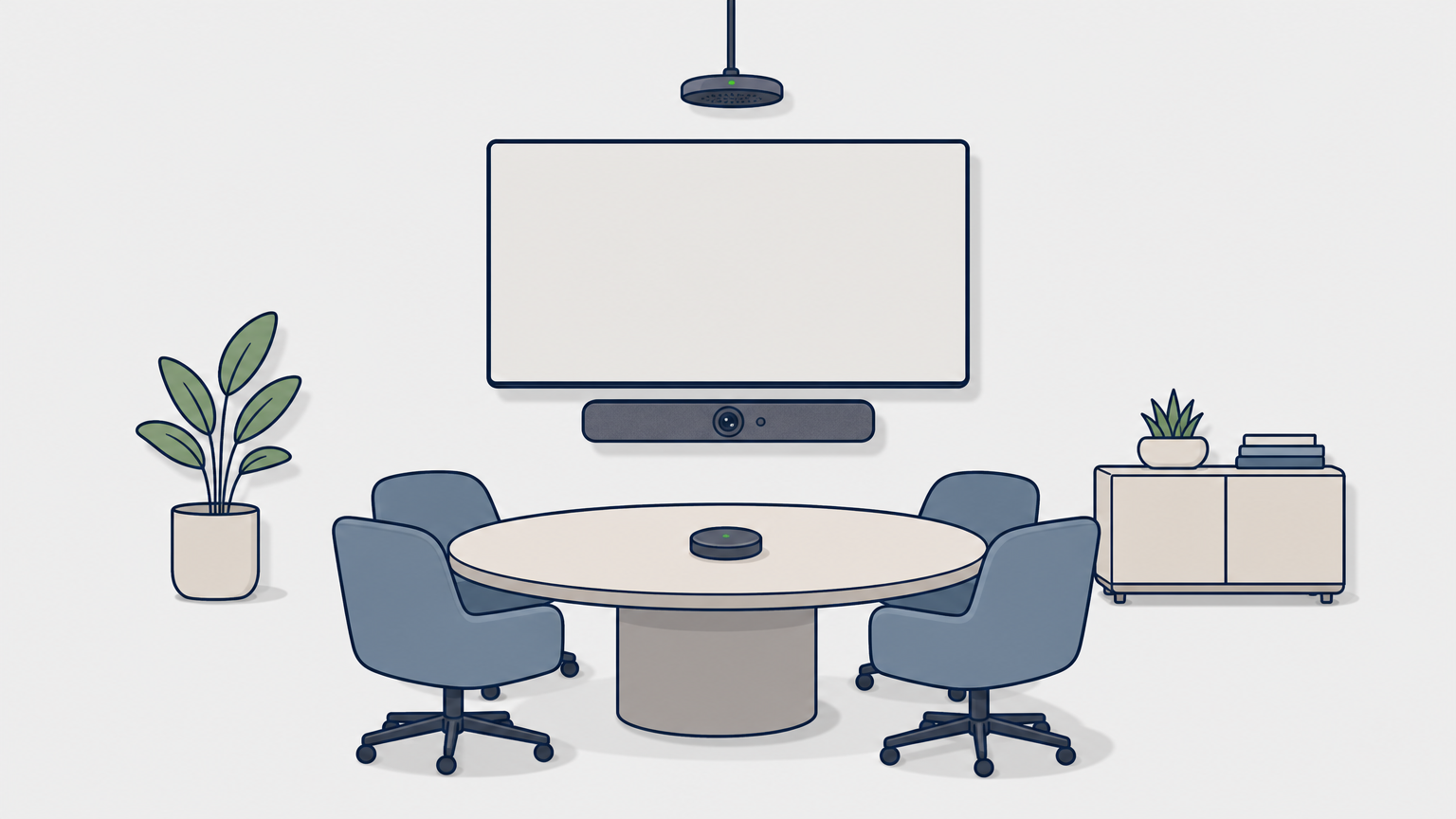
Huddle rooms, boardrooms, classrooms, and training rooms all use this kind of hardware. That answers the common question of what Polycom is used for. A team in one office can meet people anywhere without gathering around a single laptop.
A Polycom system turns the meeting room itself into the participant on the call.
From Polycom to HP Poly
Plantronics acquired Polycom in 2018, the combined company took the name Poly in 2019, and HP completed its acquisition of Poly in 2022. That is why searches for Polycom now land on HP Poly pages. The hardware sold today carries Poly or HP Poly branding. Older Polycom-branded units are still in service in many offices and schools.
Polycom and HP Poly models, from legacy to current
Current HP Poly video conferencing falls into three groups: all-in-one video bars, USB video bars, and modular systems. Older Polycom gear sits in a fourth, legacy group.
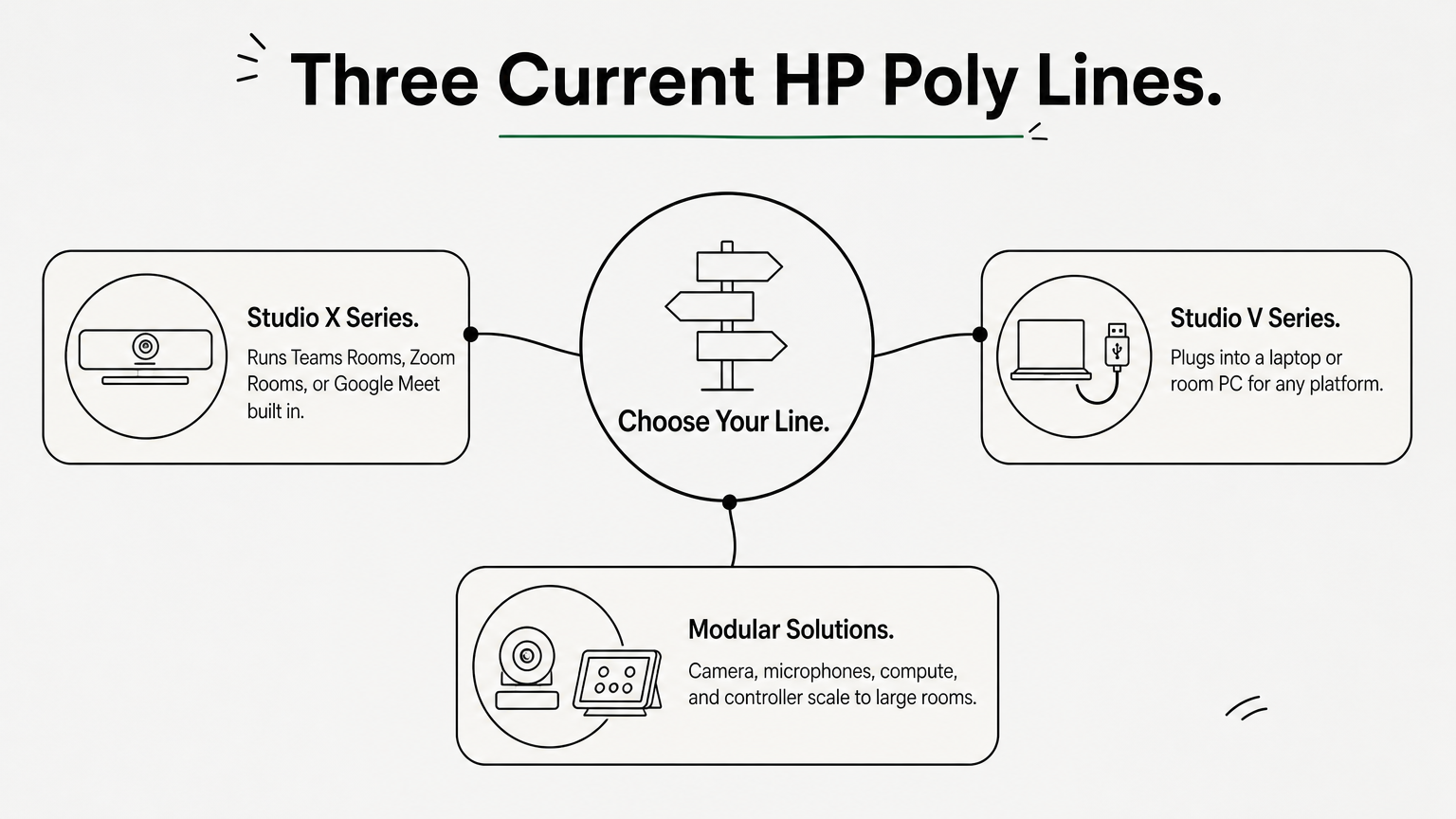
Current lines compared
| Line | Type | Best for | Platform support |
|---|---|---|---|
| Studio X series | All-in-one video bar with built-in apps | Dedicated rooms without a separate PC | Teams Rooms, Zoom Rooms, Google Meet, built in |
| Studio V series | USB video bar | BYOD rooms, plug-in laptops | Teams, Zoom, Google Meet, USB certified |
| Modular solutions | Separate camera, compute, mics, controller | Flexible rooms built at scale | Teams Rooms or Zoom Rooms |
HP lists each line for small (15×10 ft), medium (20×15 ft), and large (28×15 ft) rooms. Your platform and PC setup pick the line, and room size picks the model within it. The Studio X series includes the X32, X52, and X72 bars, and the modular family includes the G7500.
Choose the line by how your room runs meetings, then choose the model by how big the room is.
Accessories and legacy systems
Poly also sells add-ons for conference rooms. The A2 table microphones extend audio coverage. The TC10 touch controller handles scheduling and meeting control. The E60 smart camera adds 4K sensors and 12x optical zoom.
Older systems such as HDX, Group Series, and RealPresence are now classed as legacy. Replacement parts and compatible accessories are still sold. Check platform support before you rely on one, because these units often depend on standards-based calling or an interoperability service rather than running Zoom or Teams natively.
How Polycom works with Zoom and Teams
Polycom is the hardware and Zoom or Teams is the software, so the two are not the same thing. Video conferencing is the category, Zoom is one service within it, and a Poly system is the room equipment that runs it.
Three ways Poly hardware runs your meeting software
- Built in: the Studio X series runs Teams Rooms, Zoom Rooms, or Google Meet on the bar itself, with no PC required.
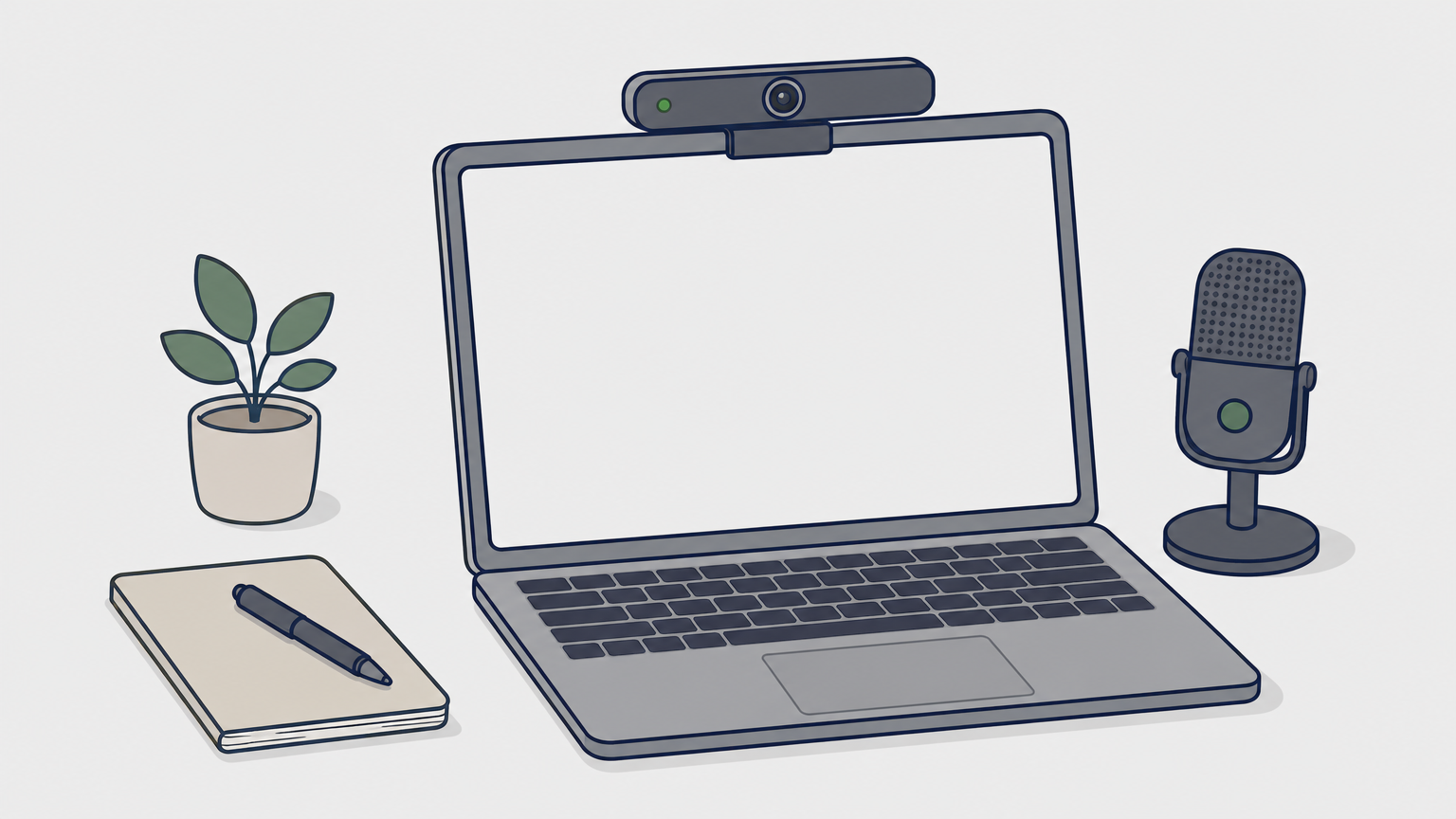
- USB: the Studio V series connects to a laptop or room PC, and the meeting app runs there.
- Modular: a compute unit, camera, microphones, and touch controller work together for Teams Rooms or Zoom Rooms.
Pick by who controls the room. Built-in bars suit rooms with a calendar and a fixed platform. USB bars suit rooms where each presenter brings a laptop.
If presenters bring their own laptops, buy USB. If the room has one platform, buy built-in.
Audio and management details
In USB rooms, the most common mistake is leaving the laptop’s own microphone and speakers selected. Before joining, open the app’s audio settings and choose the Poly device for the microphone, the speaker, and the camera.
For fleets of rooms, HP Poly Lens lets IT staff configure, monitor, and update room devices remotely, so a firmware update does not need a visit to each room.
How to set up a Polycom room and what it costs
A Polycom room setup follows a fixed order: size the room, choose the type, check the network, mount, connect, enroll, and test. Skipping the first three steps causes most of the callbacks.
Setup steps
- Measure the room and match it to a small, medium, or large class.
- Choose the type (built-in, USB, or modular) based on your platform.
- Check the network. Use a wired connection and confirm your platform’s published requirements.
- Mount the bar centered under or above the display, with the camera near eye level.
- Add table microphones if people sit far from the bar.
- Sign in to Zoom, Teams, or Google Meet and enroll the device in Poly Lens.
- Test a call from the far end of the table. Check framing, echo, and audio from every seat.
What it costs
Reseller listings show the range of hardware prices. They vary by configuration and over time.
| Item | Listed price |
|---|---|
| Poly Studio X50 4K system | $2,995.00 |
| Poly Studio E60 smart camera | $1,820.70 |
| Polycom HDX ceiling microphone array | $1,239.00 |
Take a company equipping three rooms with one X50 each. The hardware comes to 3 × $2,995, or $8,985. Mounting, cabling, platform licenses, and calibration come on top.
Mega Services installs, sets up, and repairs VTC systems. Its commissioning service calibrates and tests the system, then adds user training and documentation. Mega works without contracts or minimums, and a technician can often be on site within 24 to 48 hours.
The hardware is the visible cost, but installation quality decides whether the room gets used.
Getting your Polycom room right
Polycom video conferencing is room hardware, now sold as HP Poly, that makes a meeting space a full participant in Zoom, Teams, or Google Meet calls. Pick the line that matches how your room runs meetings, size the model to the room, and test from every seat before you call it done.
If you need a technician for a VTC install, a repair, or commissioning, you can book a MegaTech™ for your next project.
Mega Has The Staffing Solutions You Need For Your Next Pro AV Project.
Let MegaServices help you grow your business by providing you with the qualified personnel you need when you need them.
Allie Linarez is a Senior Billing Specialist at MegaServices LLC. As one of Mega’s earliest team members, Allie has grown with the company and contributed to many of the processes used today. Her adaptability, organization, and attention to detail make her a trusted part of Mega’s service-side billing operations.
